Apply for Graduation
This webpage is currently undergoing significant updates. If you have any questions about applying for graduation, contact the Registrar's Office at registrar@uwgb.edu.
- Log on to the Student Information System at www.uwgb.edu/sis/
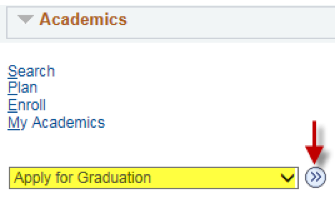
- From the Student Service Center select Apply for Graduation in the dropdown box and click the 'next' arrow.
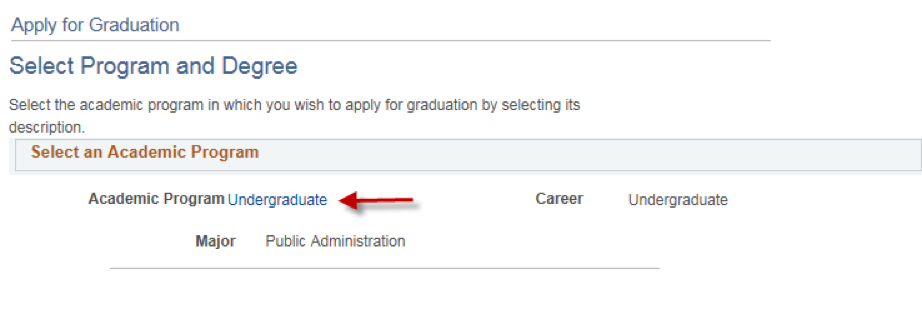
- Select the appropriate program of study.
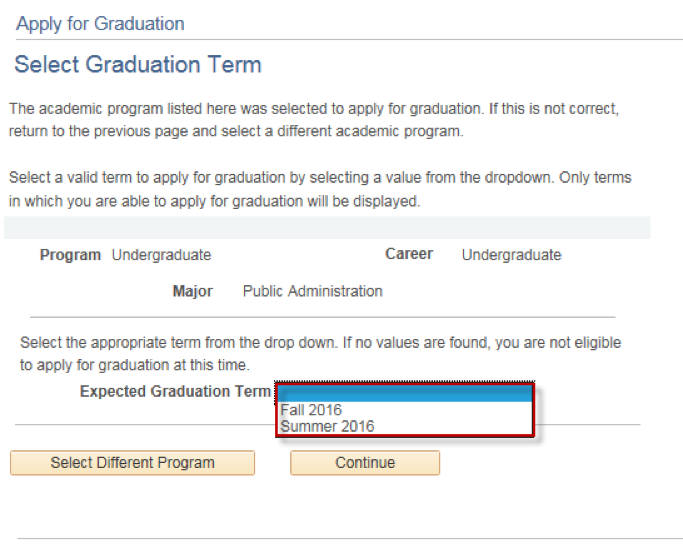
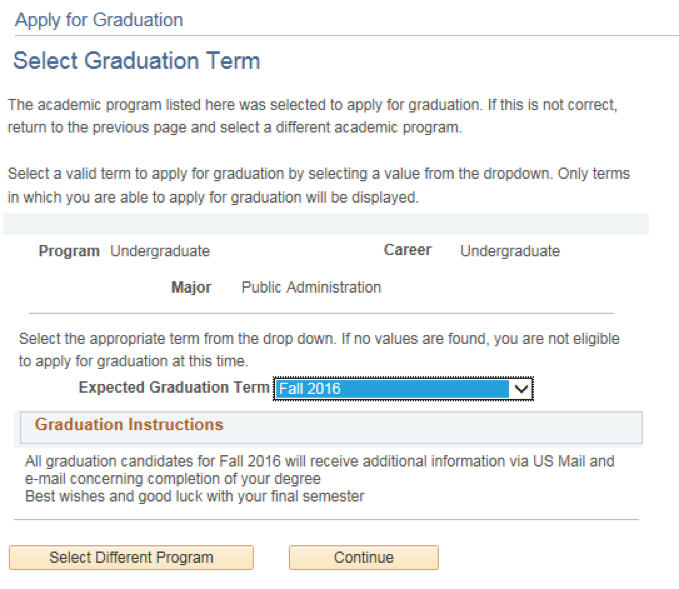
- Select the appropriate graduation term and carefully read the instructions displayed. Click Continue to proceed to the next step.
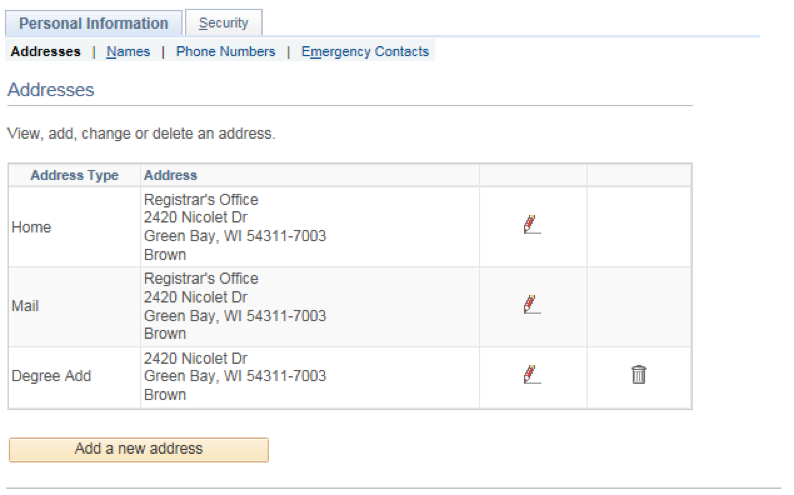
- Verify that all data is correct. If changes are needed for the name or address follow the instructions beneath the corresponding section.
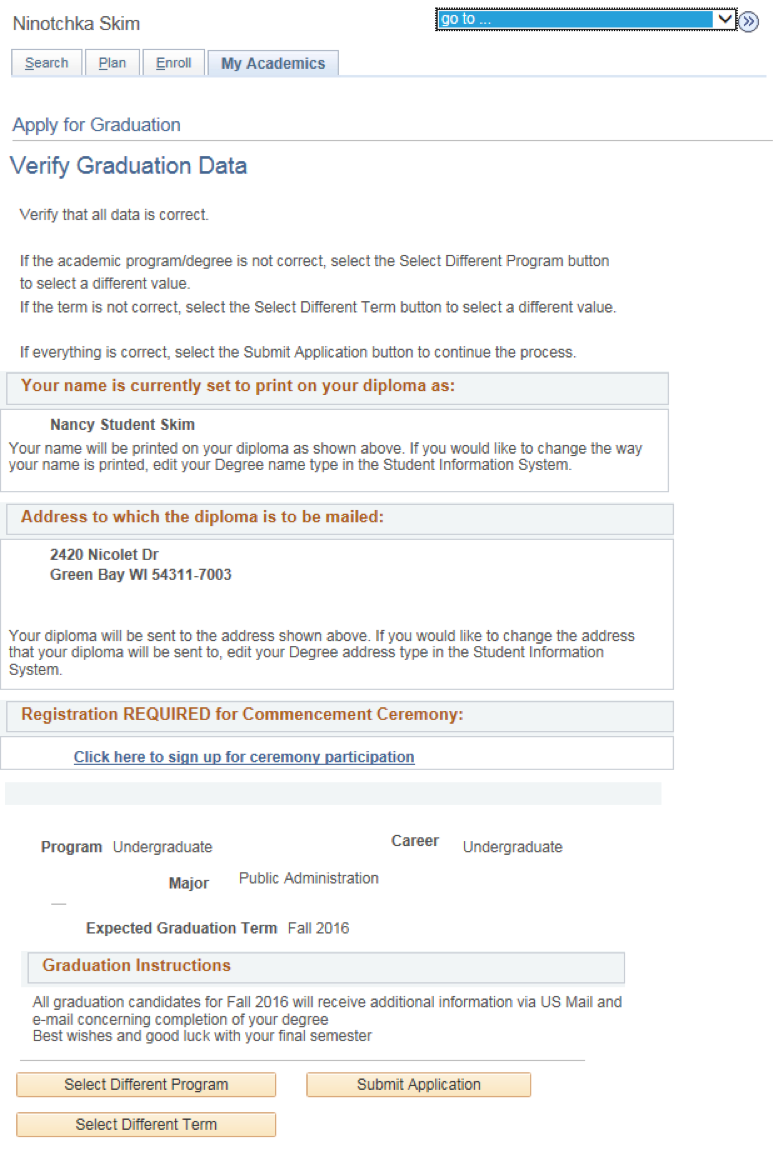
- When all information is entered correctly, click Submit Application.
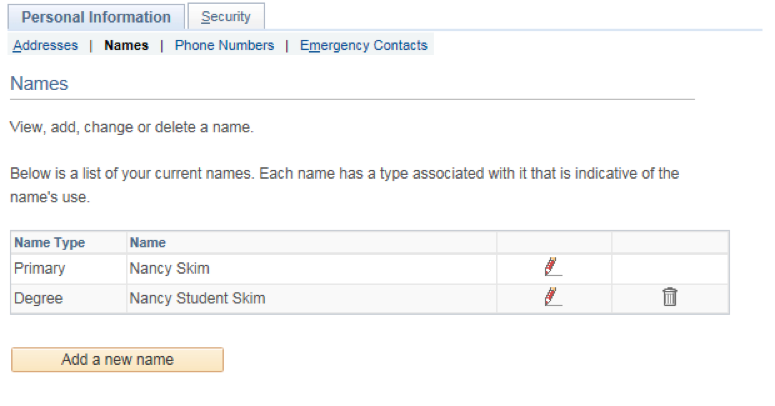
- Your Primary name is what will be printed on your diploma unless you add a Degree name.
- Your diploma will be mailed to your Home address unless you add a Degree address.